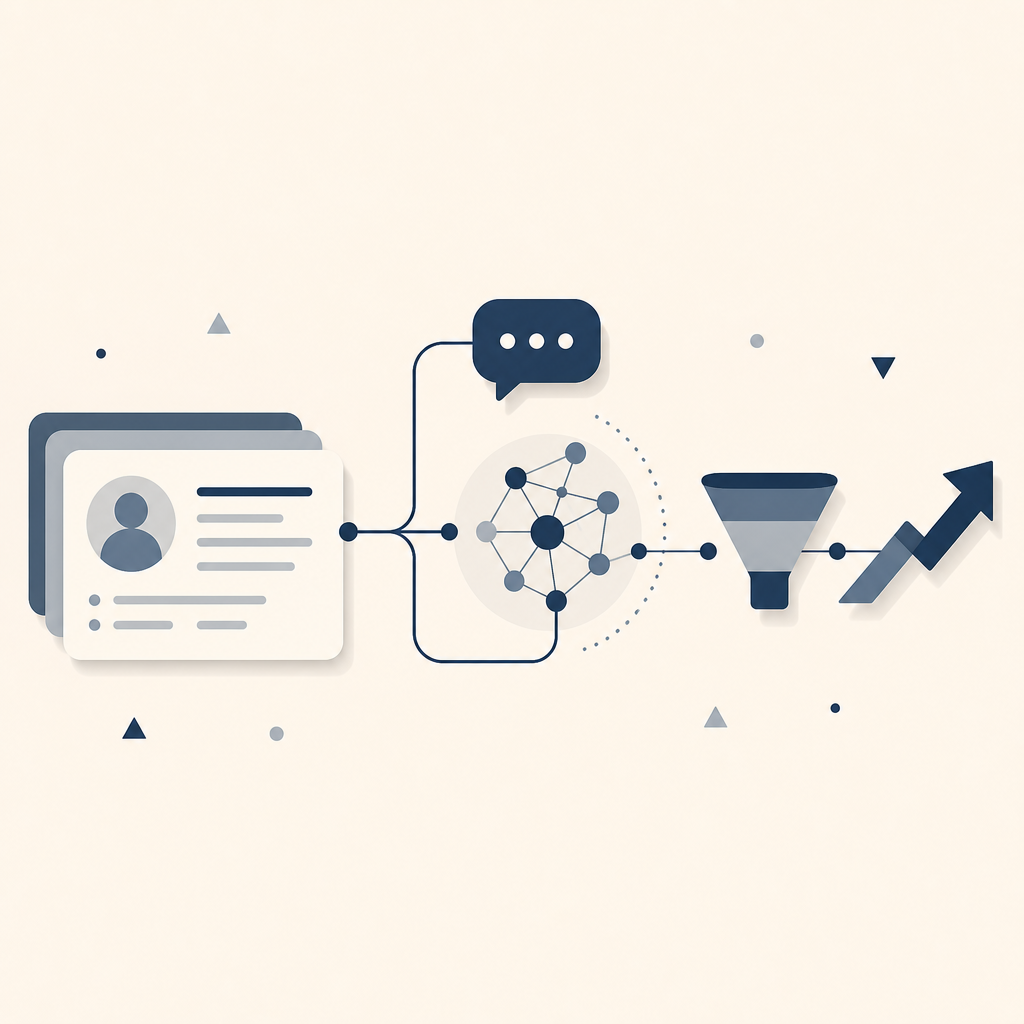
Almost every CRM on the market now calls itself AI-powered. Most of that is a chatbot bolted onto the same static database, answering questions about records instead of doing anything with them. A genuinely AI-powered CRM works differently: it treats every call, email, and product touchpoint as a signal worth acting on, not just a field to fill in.
That difference is worth understanding before shortlisting anything, because it changes what to test in a demo and which claims to discount.
What genuinely makes a CRM AI-powered
- A live context layer, not a static record. Calls, emails, and product usage should feed the CRM automatically, so the assistant answering a question is working from what happened this week, not from whatever a rep last remembered to type in.
- Answers pulled from real data, not predicted. An assistant that queries actual records for a precise answer is more trustworthy than one generating a plausible-sounding response, especially once a team starts acting on what it says.
- Automation that reacts to signals, not schedules. A deal going quiet, a field changing, an email landing: the system should act on these directly, rather than leaving a person to notice and remember to follow up.
- A data model flexible enough to keep up. Objects, fields, and workflows should reshape as the business changes without an engineer or an outside consultant rebuilding them each time.
Where the AI-powered CRM tools differ
- Attio. Built as an AI CRM from the ground up rather than layered onto an older product. Ask Attio answers questions by querying the underlying records directly, and workflows can chain a research step, a drafted email, and a record update into one automation triggered by a real signal. The tradeoff is scale: a smaller company than the enterprise incumbents here, so very high AI volumes run into workspace credit limits sooner, and heavily regulated organizations will find less pre-built compliance tooling than they would with an established enterprise vendor.
- Salesforce. Agentforce is the deepest AI infrastructure on this list, turning existing flows, code, and prompts into autonomous agents governed by a shared trust layer that controls what each agent can see. That depth takes real setup: configuring Agentforce properly still calls for dedicated admin resource, so it suits an organization that already has that resource more than one still building its process.
- HubSpot. Agent Hub bundles a prospecting agent, a customer-support agent, and a natural-language data agent into the same system already running marketing and sales. It fits best when the pipeline is already built around inbound marketing, since the AI draws on the same lead and campaign data. Usage beyond the bundled plan runs on a consumption basis, so cost tracks activity rather than a flat seat price.
- Zoho. Zia now reaches across the entire suite: scoring deals, drafting emails, flagging anomalies in pipeline data, and running multi-step tasks on its own. The capability is real but spread across more than forty connected apps, so a team using only the CRM slice will not get quite the concentrated build of a tool designed around AI from the start. It remains the most affordable route into most of this.
Testing it before you commit
A demo will show a feature list. It will not show whether the AI holds up against your own records, your own naming conventions, and the edge cases your team already knows about. Import a slice of actual pipeline data into each finalist, ask the assistant the questions reps already ask each other, and watch what the automation does the first time a real deal goes quiet. AI that only performs well on curated demo data is not AI-powered in any way that matters once it is running your pipeline.
For the fuller shortlist of tools to weigh beyond the AI angle, see the guide to the best CRM tools for a growing revenue team.